One purchase, different shares.
An equal split does not always fit a shopping trip. ShareTally lets each person enter and confirm their own amount, or claim whole items and fractions of an item. Invite friends with a group link and keep the bills and balances together.
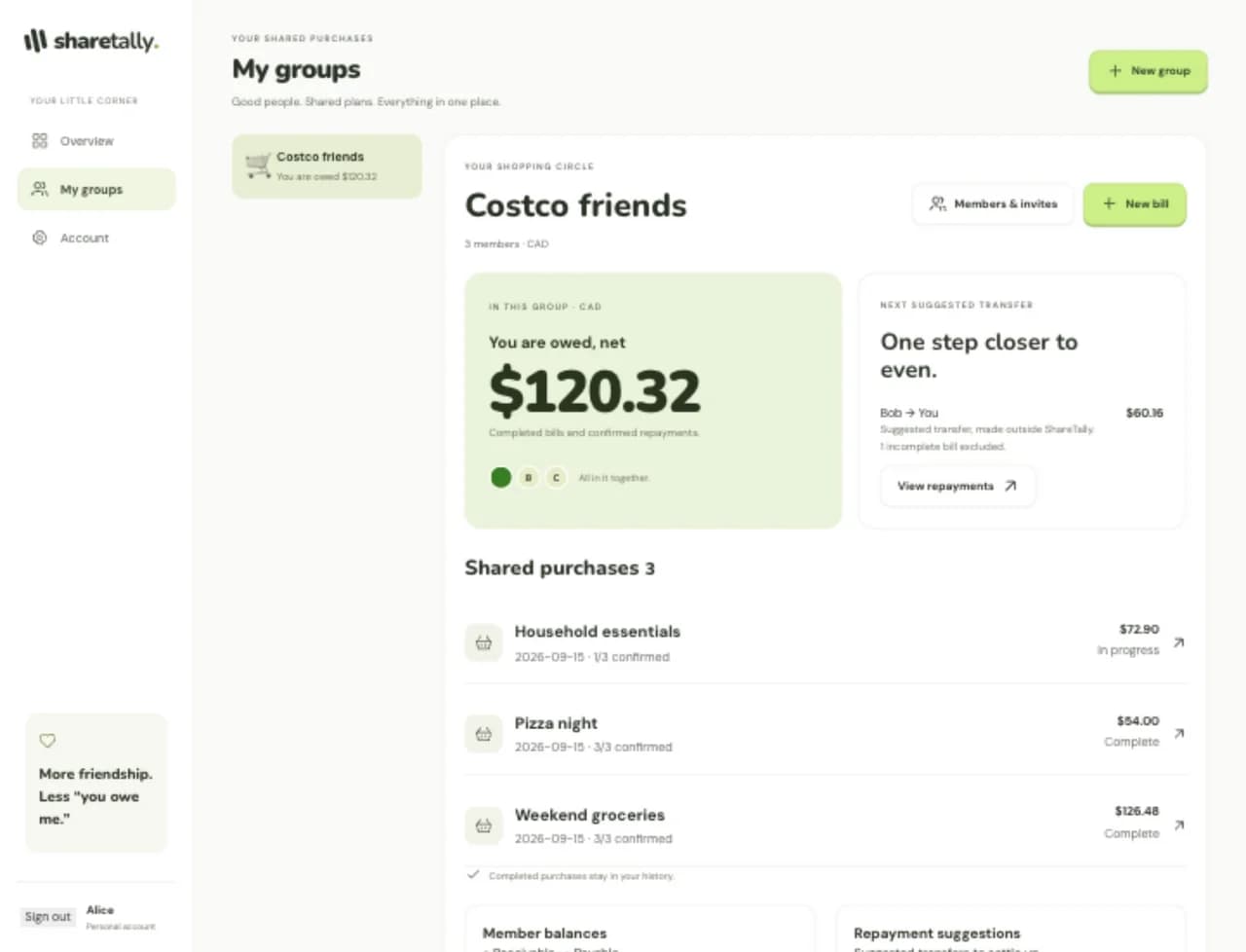
From receipt to shared bill.
- 01
Add the purchase
Enter amounts manually, or upload a receipt to extract its items.
- 02
Review and claim
Review the extracted receipt before publishing. Each person claims items or confirms their share.
- 03
Settle up
Check balances and repayment suggestions once the bill is complete. Record a repayment after transferring money outside the app.
Azure Document Intelligence extracts receipt data. An OpenAI-compatible API helps turn receipt abbreviations into clearer item names. The review step lets you check the result before it becomes a bill for the group.
Repayments need both sides.
Recording a repayment does not immediately change the balance. The recipient confirms that the money arrived first. Completed bills are final, and confirmed repayments update what the group owes.
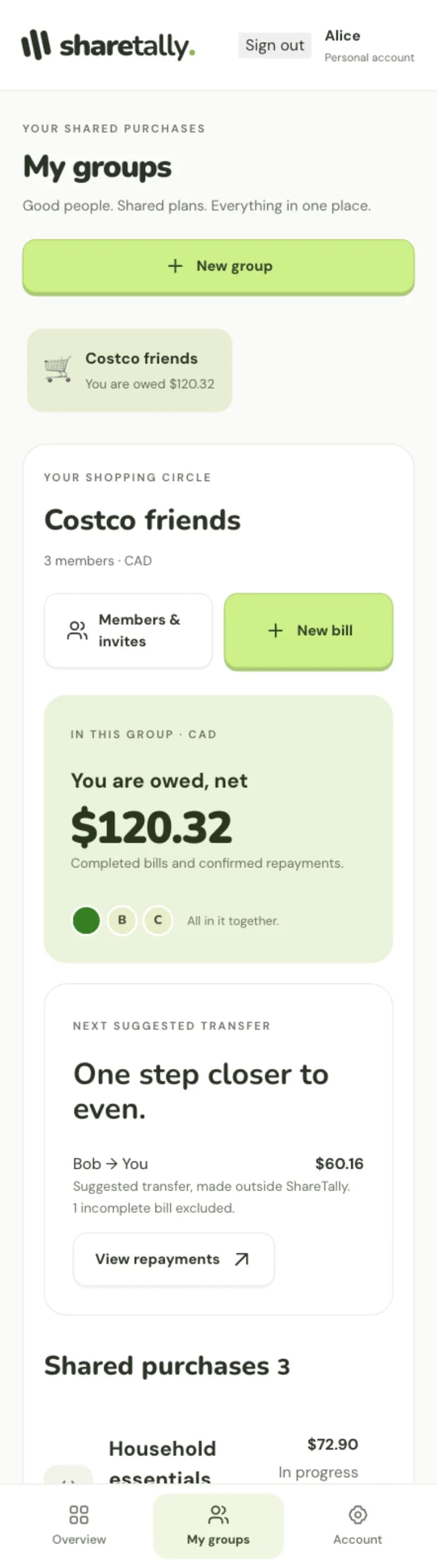
Behind the app.
The frontend uses React, TypeScript, Vite, and TanStack Query. Express handles the API, with PostgreSQL and Drizzle ORM for storage. Clerk provides Google sign-in. Docker Compose, Nginx, and Drone CI handle deployment.
Explore the implementationopens in a new tab